.png)
What are registration tracks?
Please note that the following article shows functionality for the new version of our form editor (v2). If you are using our legacy form editor (v1), you can still follow the steps in the article below, but the location of the options noted may be different. If you wish to switch to the new version of our editor, please contact us at getregistered® support.
'Registration Tracks' are custom registration paths for your event. They allow you to set custom fields, pages, pricing, and capacity for different attendee registration types. Using tracks allows you to do things like have different registration questions for VIPs, or charge different prices to Vendors.
To add tracks, click on the 'Registration Form Editor' tile displayed on your Event Dashboard.

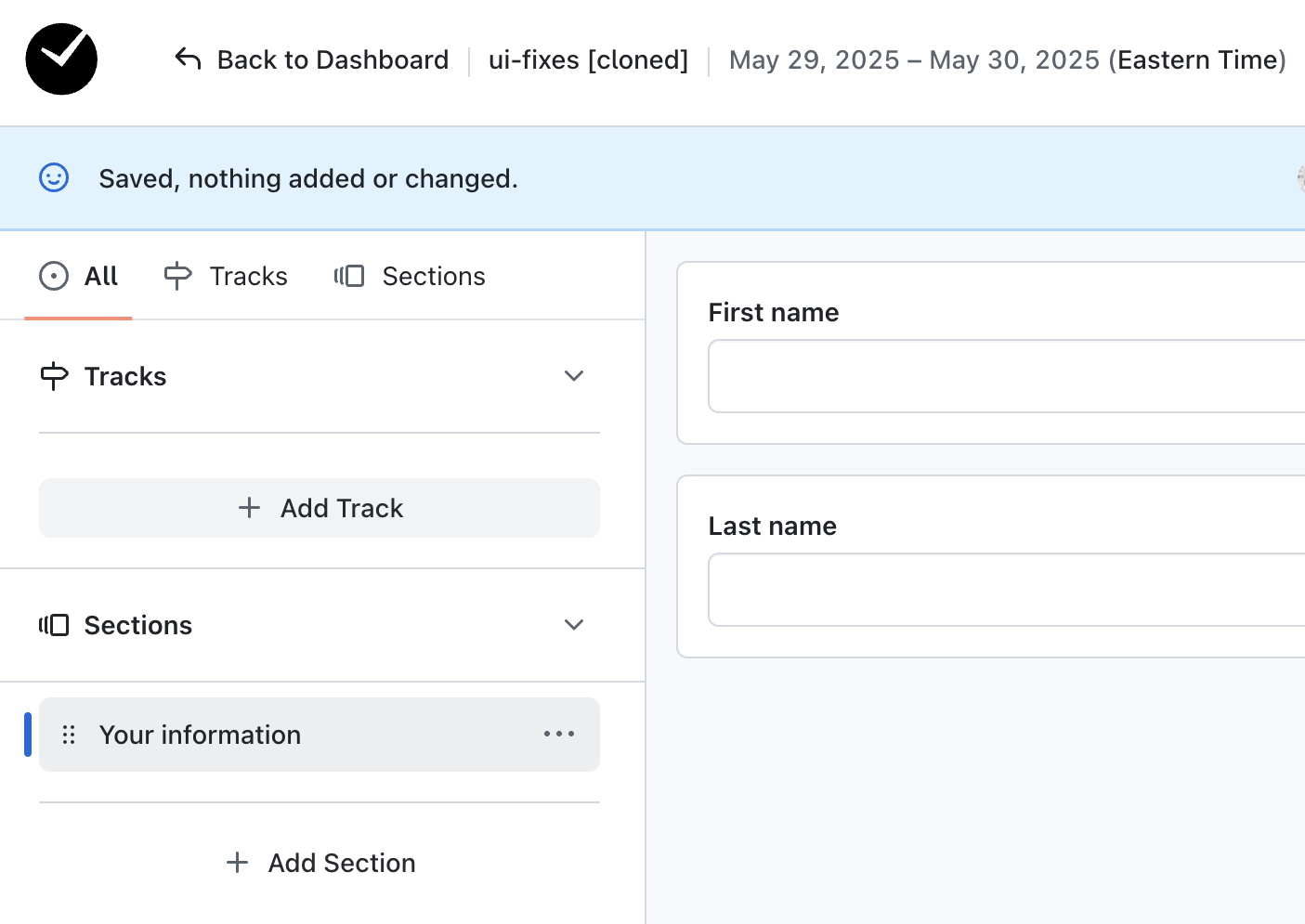
Click on the '+ Add Track' option to begin creating a registration track.
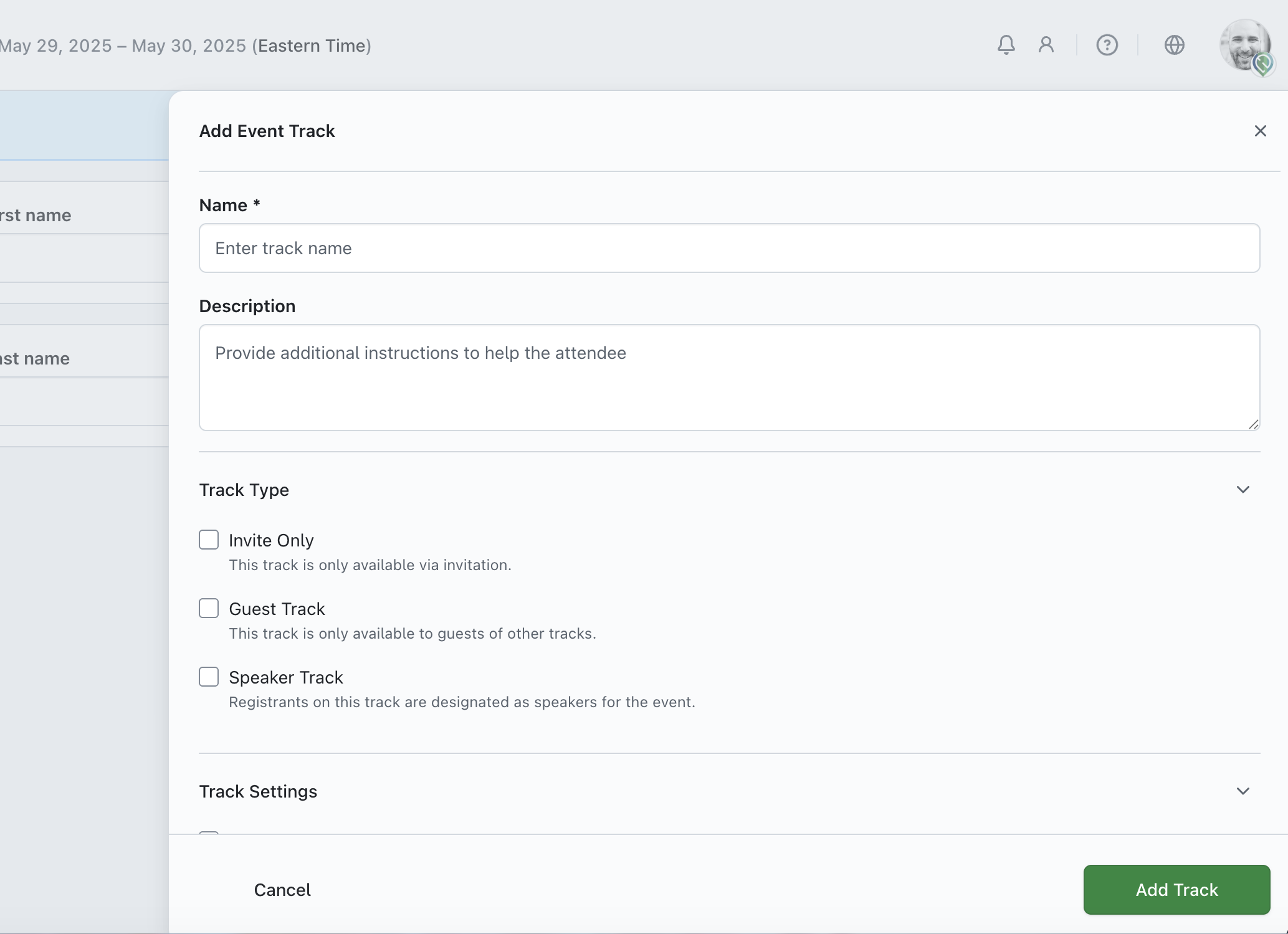
From here you can begin configuring your event track, specifying the track's name, description, invite-only status, total capacity and much more! Additionally, if 'Fee & Payments' are enabled in the 'Payment' area of your Event Settings, you can specify a price to charge for registering for each track.
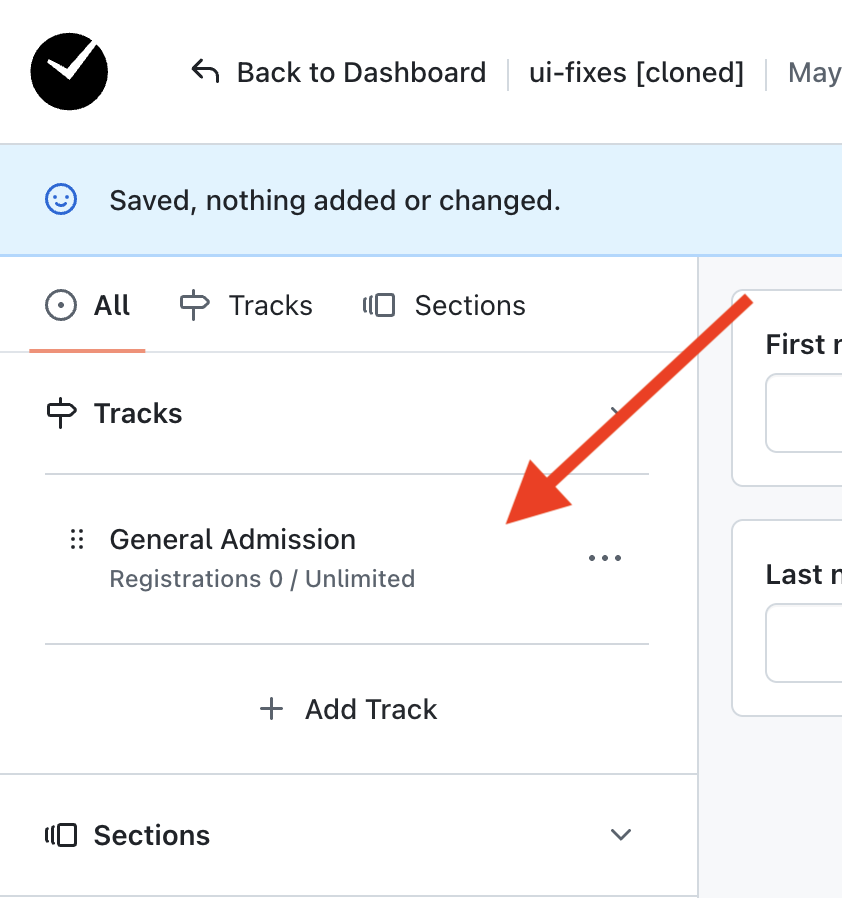
When you add a new track, your track will display on the top left-hand side of the Registration Form Editor.