.png)
Accessing events across multiple organizations
If you have access to more than one organization in getregistered®, you will see a 'globe' icon displayed at the top right of the page (next to your user avatar).

This is known as the 'Organization Switcher' - to switch from one organization to another, simply click on the icon, and you will see something similar to the following:
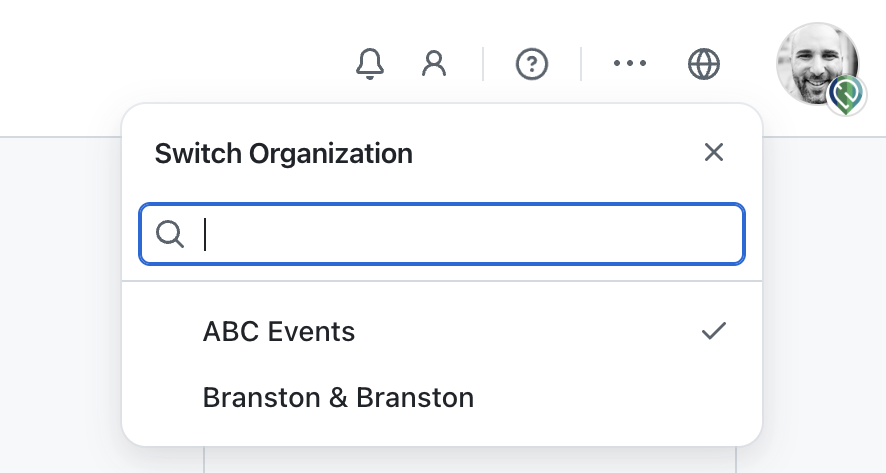
You will see a search box displayed and a list of all organizations you have access to - the current organization you are interacting with will have a small tick displayed next to it. To switch to another organization, click on the organization name from the list provided and you will be redirected to the Organization Dashboard for the selected organization.
If you have access to many organizations, the handy search box will help you filter your organizations, making it quick and easy to locate the organization you wish to access.