.png)
Resetting your password
Note - you can only reset your getregistered® password if you are using email/password authentication to log in to your getregistered® account. If your organization is using a form of SSO for access to getregistered®, please contact your organization's SSO administrator to create a password reset.
If you find that you have forgotten your password credentials to access getregistered®, as long as you are an Event User with an active account, you can choose to reset your password.
To reset your getregistered® password:
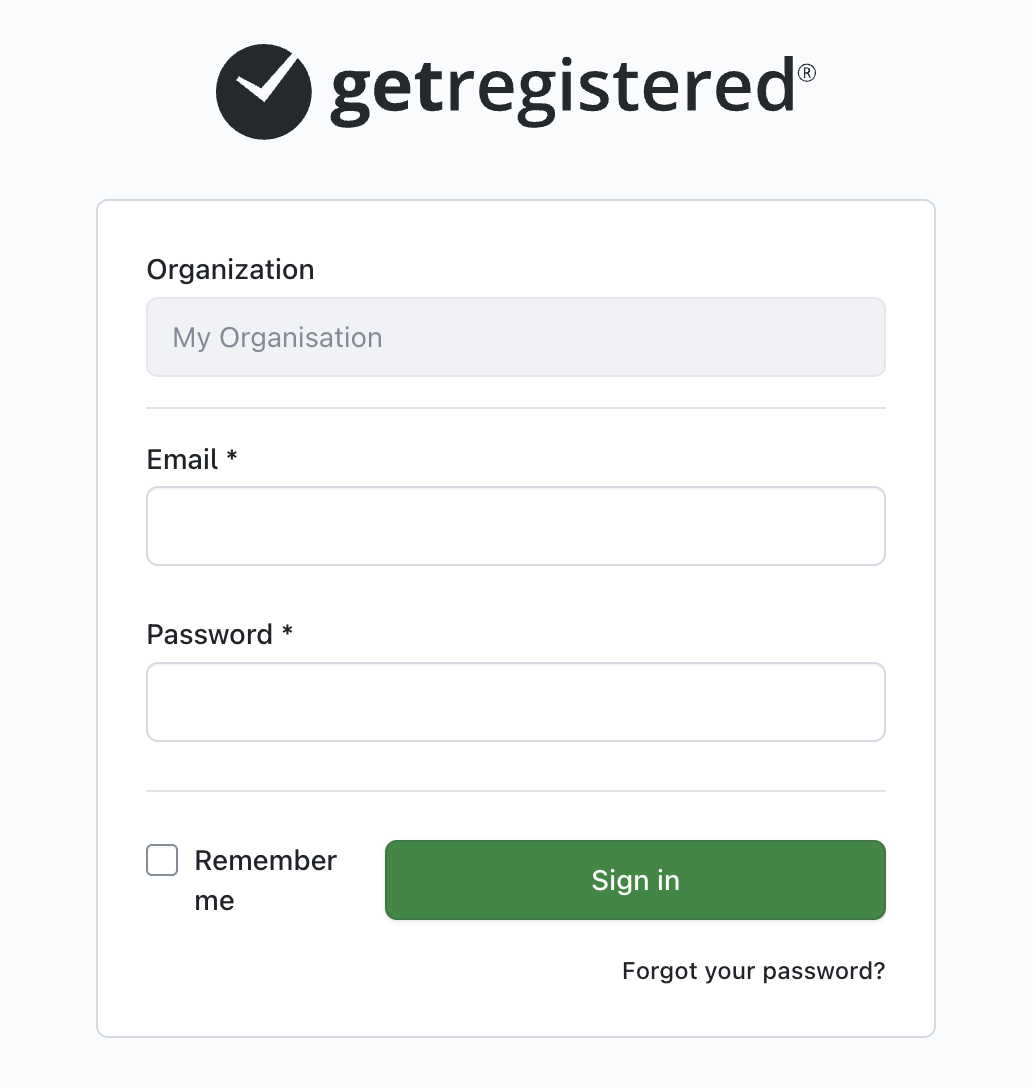
- On the login page for your organization, click on the 'Forgot your password?' text at the bottom of the login form.
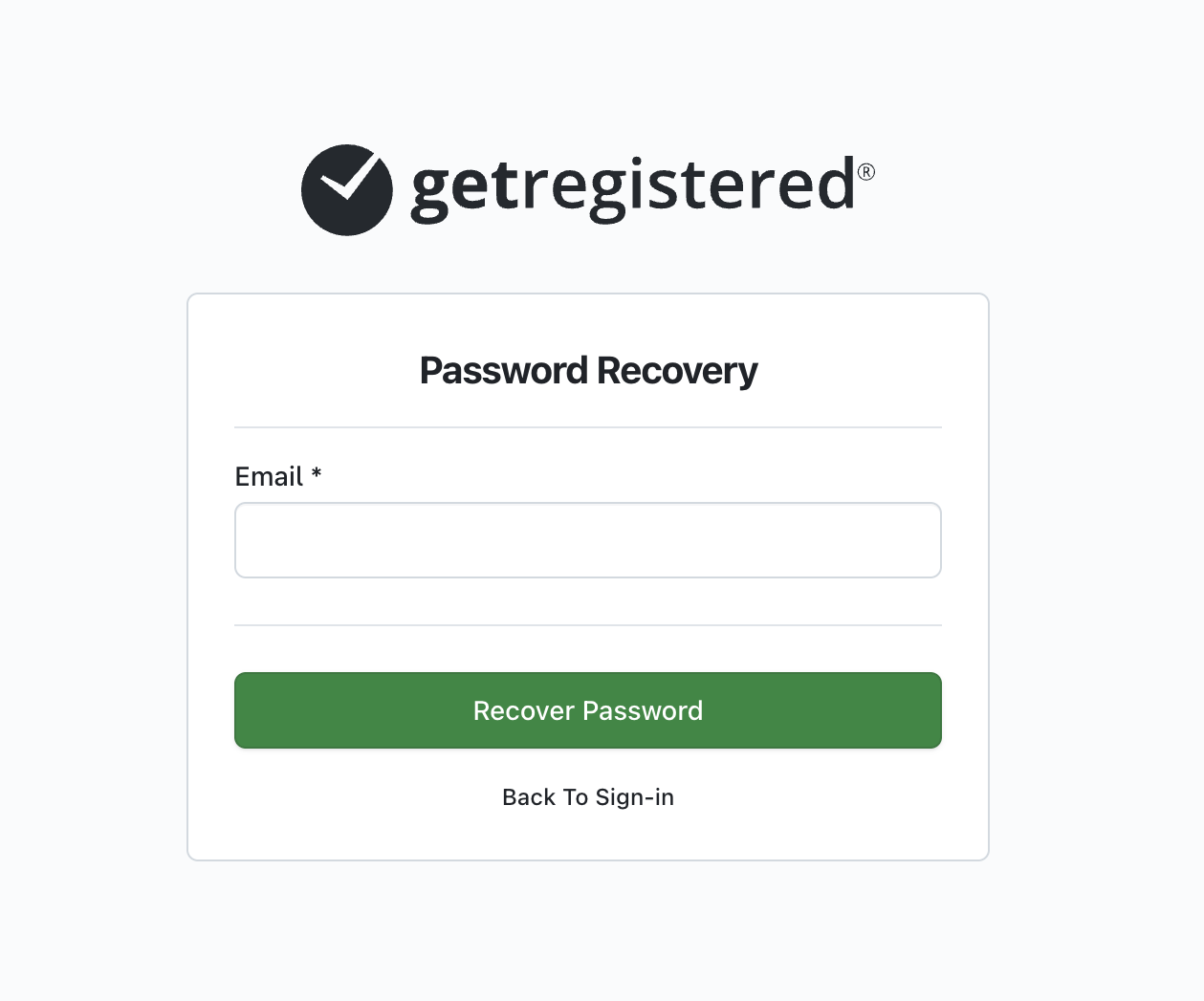
- On the following page, enter your email address and click 'Recover Password'.
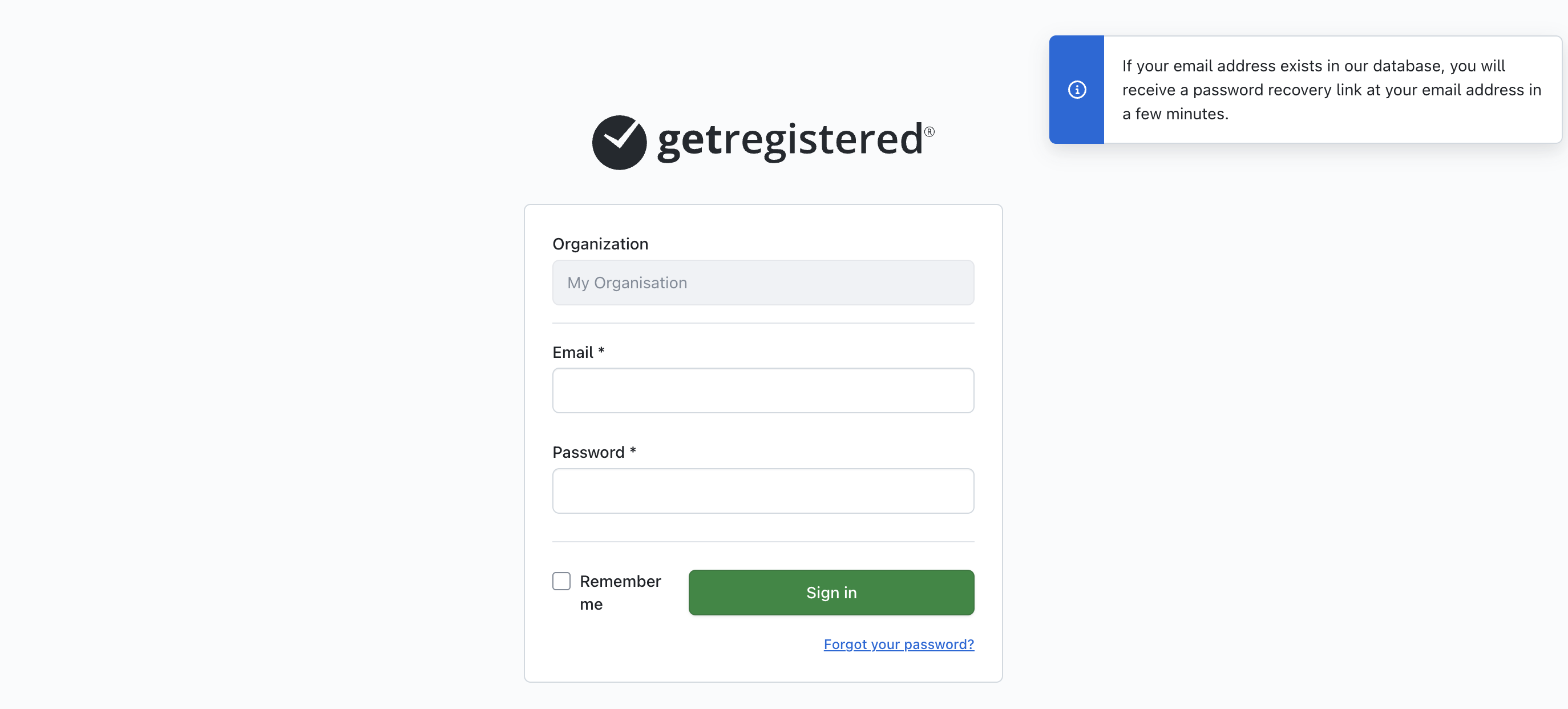
- You will then be returned back to the login page, with a message displayed stating that a password reset has been initiated.
- If you are an Event User with an active account, you will receive a 'Password Reset' email in your inbox.
- Click the link on the email and you will be taken to a page where you can create a new password - once you have submitted a valid password, you will be logged in to your getregistered® organization.