.png)
How do I add a tax rate to my event charges?
If you have enabled 'Payments' in your Event Settings, you will see some tax options displayed on the form presented under this tab:
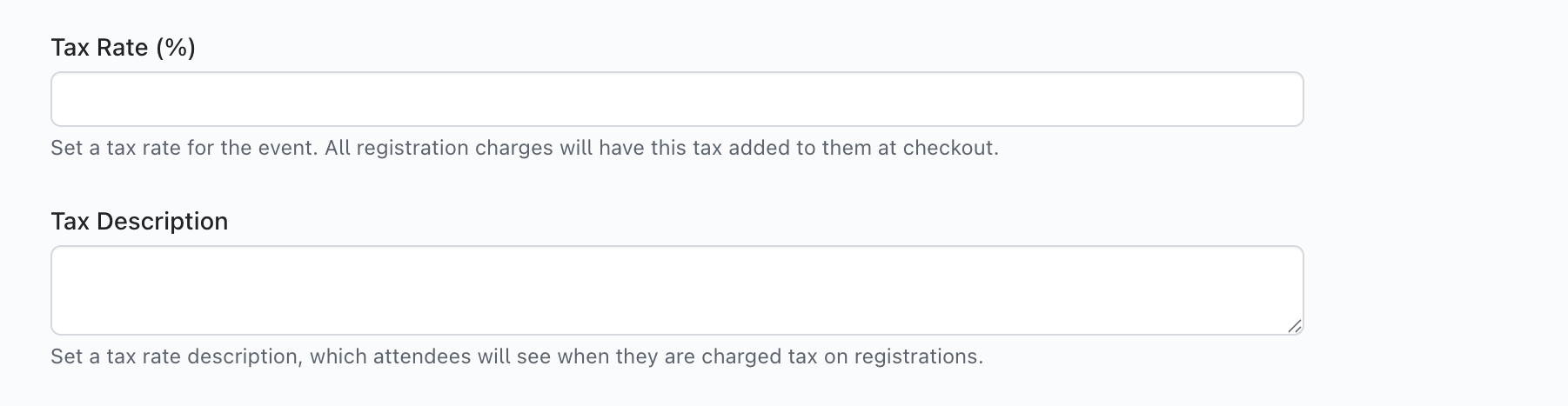
To add a tax rate that is applied to all registrations, simply add a percentage into the 'Tax Rate (%)' field and a description if you desire, and then click 'Save' at the bottom of the form:
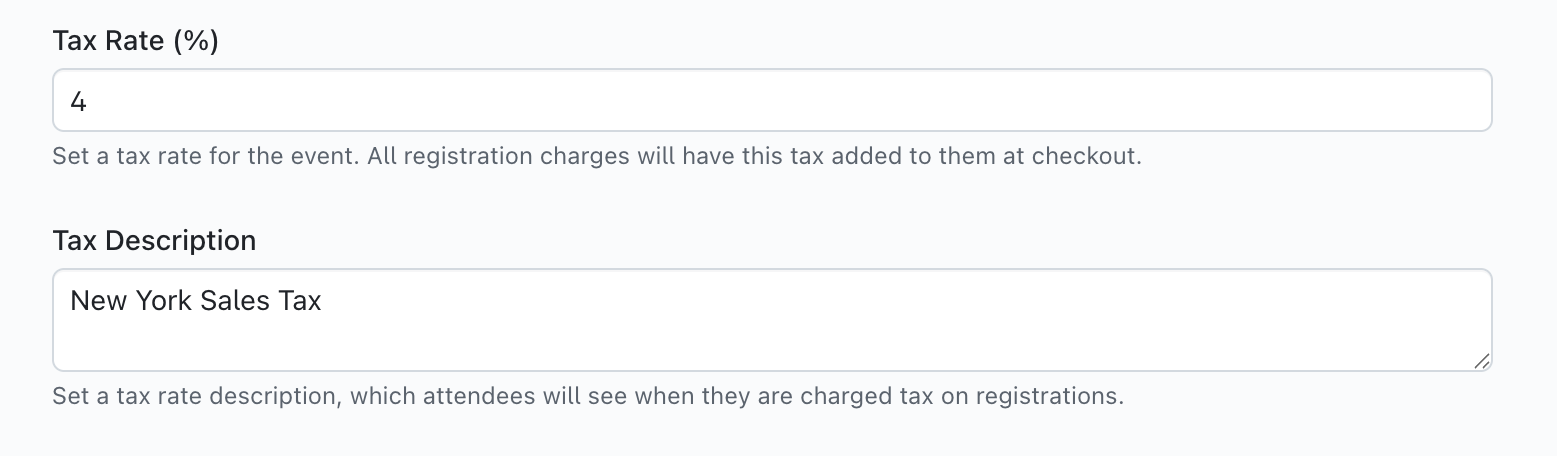
Following this, all registrations will have a 'tax' line item applied to their registration based on the total balance of their registration choices, and will be charged to the attendee on checkout.
Are there any other areas of getregistered® that can have a tax rate applied?
Yes - when you are creating a 'Room Block' on your event Registration Form, there is an option to apply a tax rate to all room types in your room block:
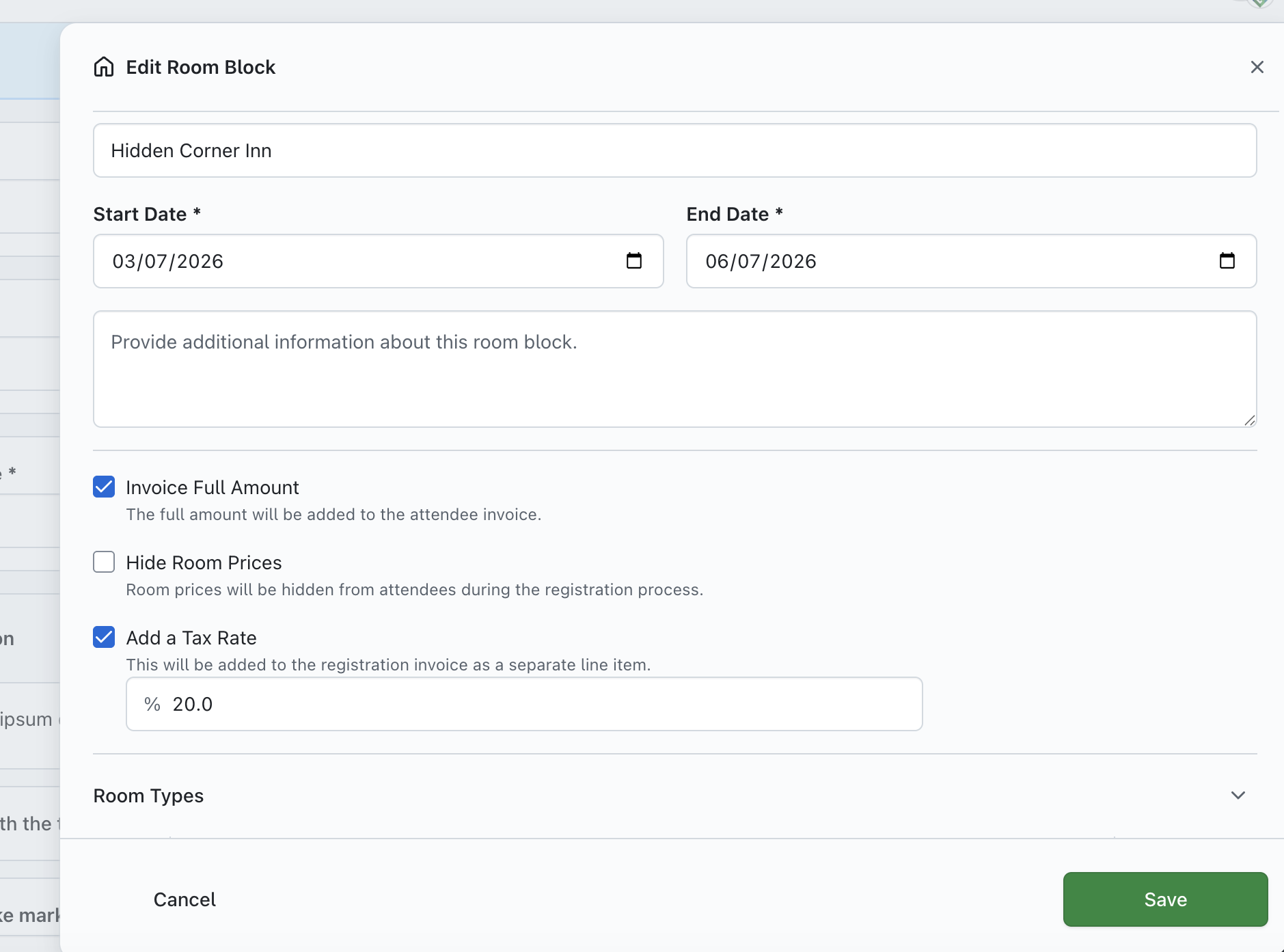
Just check the 'Add a Tax Rate' checkbox, enter the percentage into the field below and click 'Save' - following this, all attendees that reserve a room will have the appropriate percentage of tax added to the value of the room they have selected on checkout.