.png)
Is there a way to choose how content and text is displayed in my event website?
Note: this article covers functionality for our new Event Website Builder. For articles about using our legacy Event Website Editor, please refer to this support category
In regards to general content and styling, the majority of this can be controlled when setting your event 'theme' or using styling options available to you in the Event Website Editor. However, we do include advanced customization options that allow you to go beyond what we provide by default!
getregistered® allows the use of rich text, HTML, CSS and Markdown to style and format the way text and images are displayed in sections on your website. All sections that contain a content editor provide you with a rich text editor, as well as the ability to add custom CSS classes or styles (depending on the section type) - these can be added under the 'Advanced Options' menu at the bottom of the site builder editor column.
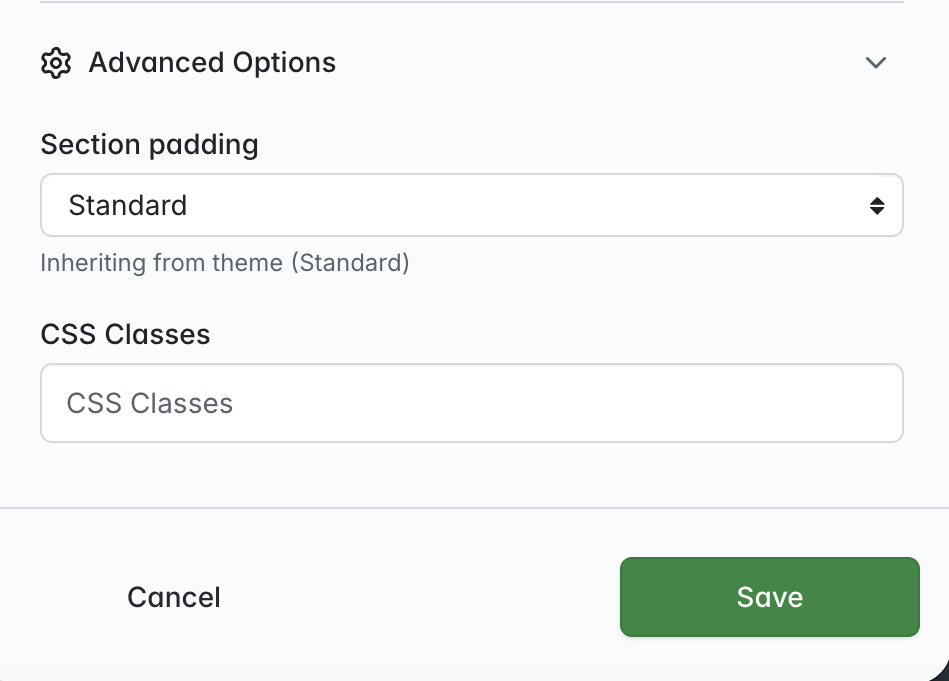
In addition to this, the 'Custom Section' option allows you to use either HTML or Markdown for text content if required.
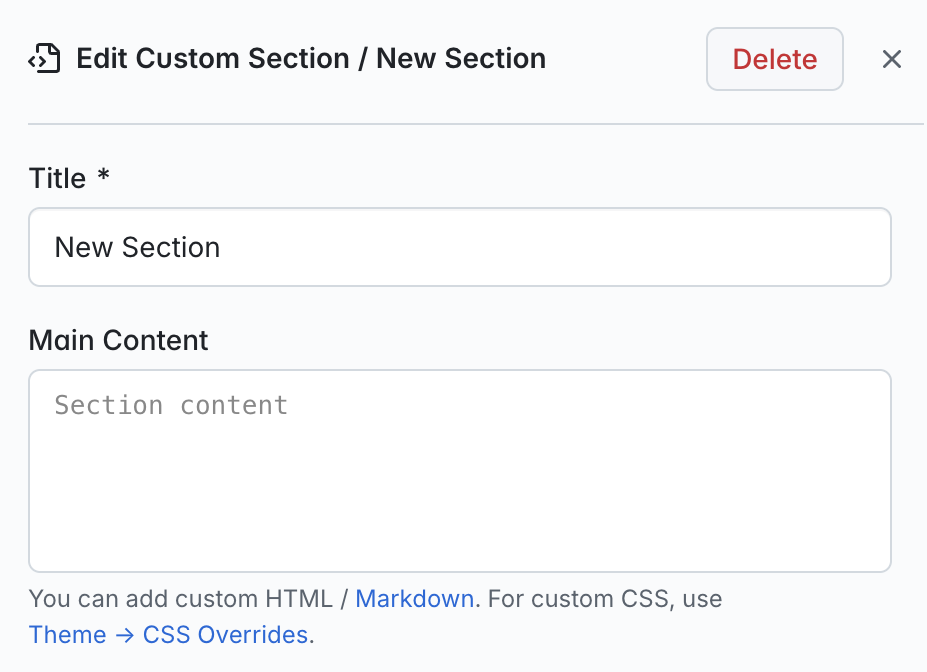
Markdown allows you to change how regular text appears using non-alphabetic characters like # or * placed before and after the word you want to affect. You can also align your text by using [c] to center, [j] to left justify or [r] to right justify (these characters must be placed either side of the the text you wish to align).
You can read a full guide on how to use Markdown by viewing this article in the Knowledge Base. Alternatively, you can download this guide as a PDF by clicking here.

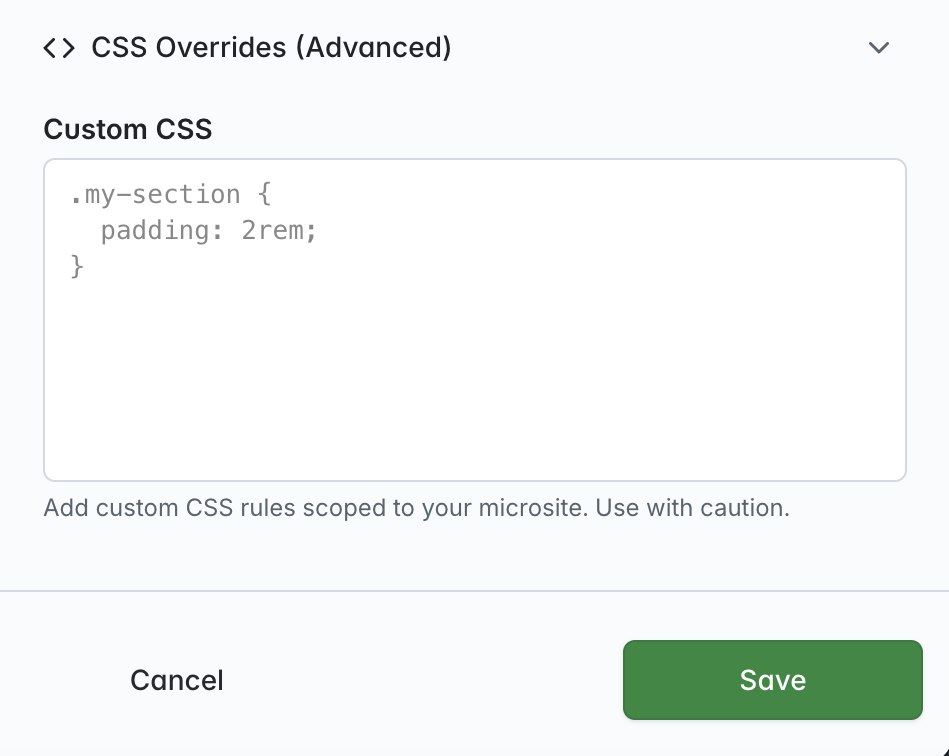
If you wish to control all event website content using custom CSS, we also provide a 'CSS Overrides' feature in your 'Event Theme' area. This allows you to add custom CSS that is applied to all areas in your event website instead of a single section: