.png)
How do I convert an Event Request into an event?
Notes: To use the 'Event Requests' feature, it must be enabled for your organization first. Please contact support if you are interested in activating the feature for your organization.
Only administrators can convert requests into events.
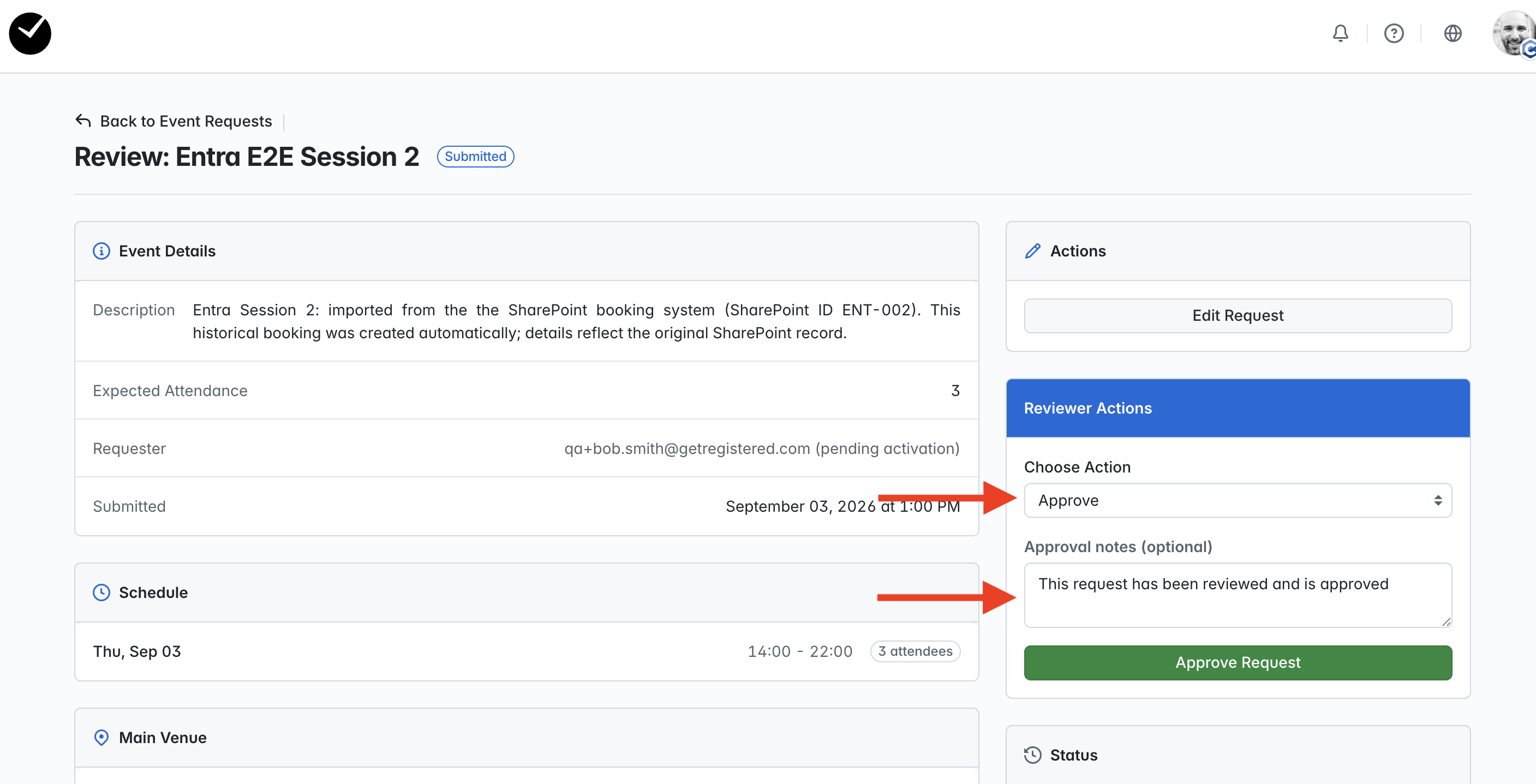
For an Event Request to be converted, the Event Request must be approved first. If you haven't approved yet, but wish to do so, select to 'view' the related Event Request, and then select the 'Approve' action and submit:
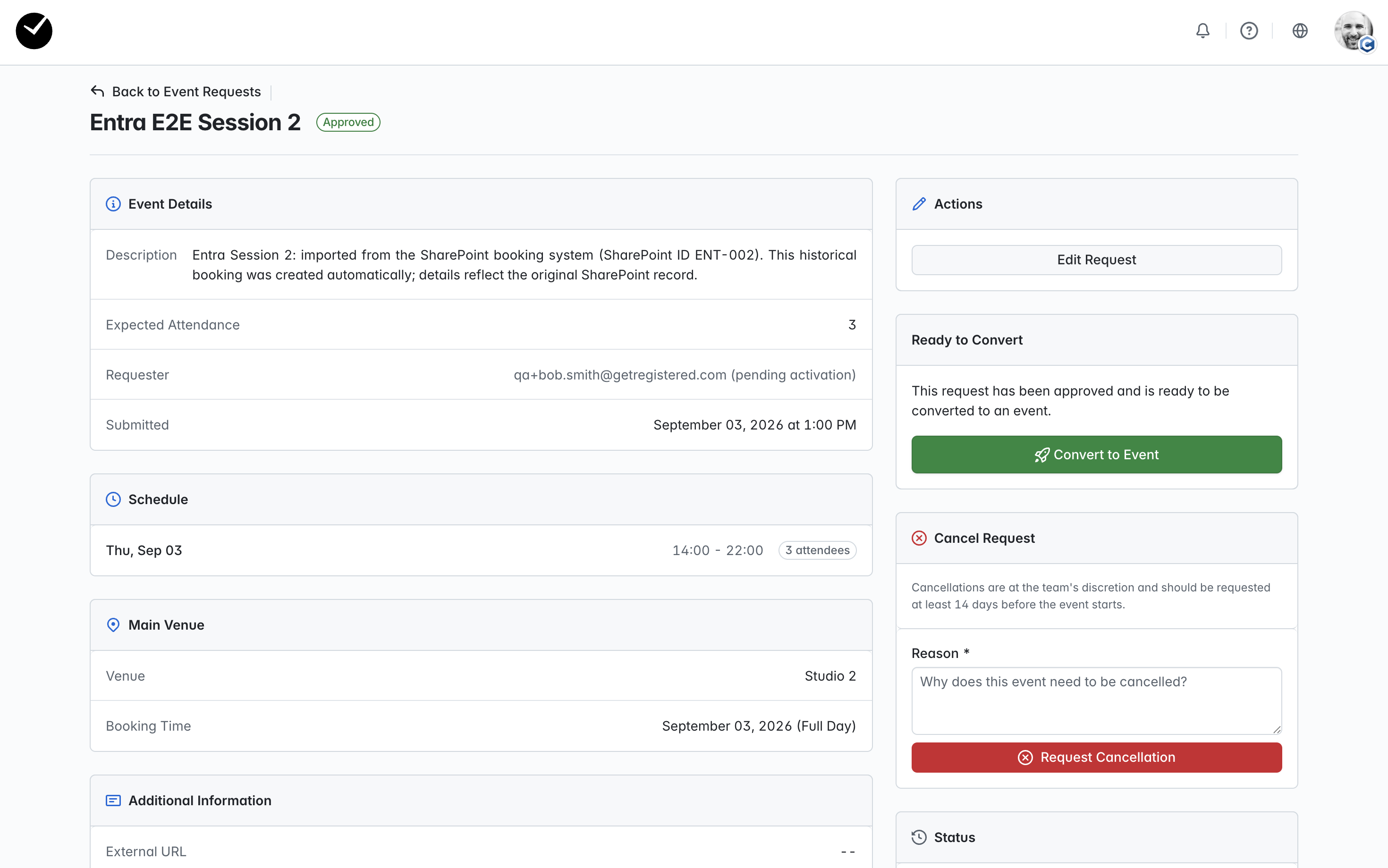
You will then see the following page - if the request had already been approved when you initially selected to 'view' it, you would see the same page. Select the 'Convert to Event' button to proceed:
You will then be on the 'Convert to Event' page:
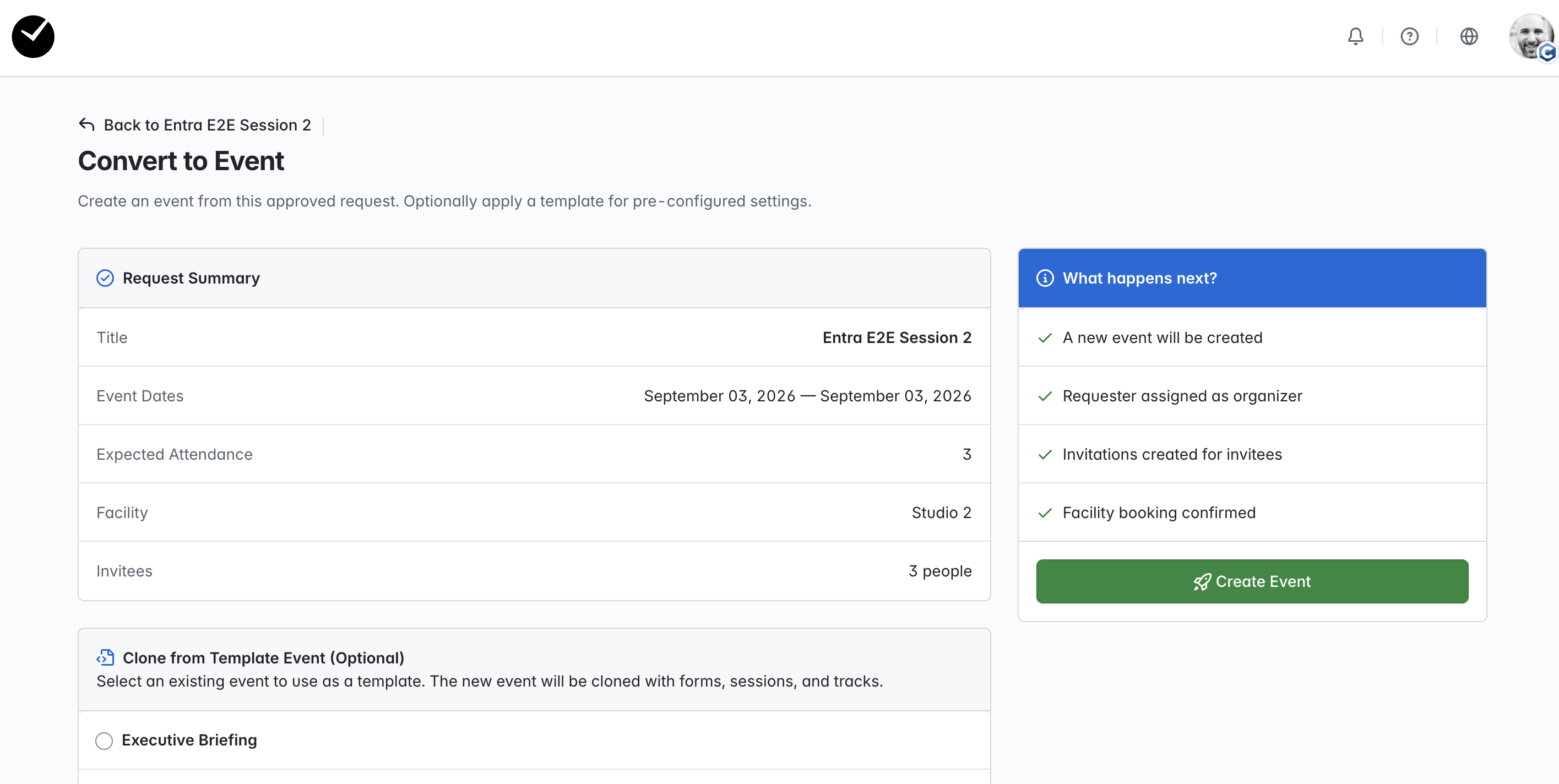
In here, you can review the Request Summary before proceeding, and also choose to select to clone the event from a pre-created template, or just convert to a standard event with no additional configuration applied. By default, the 'No Template' option is selected for you - if you wish to choose a template, click on the appropriate template before you submit!
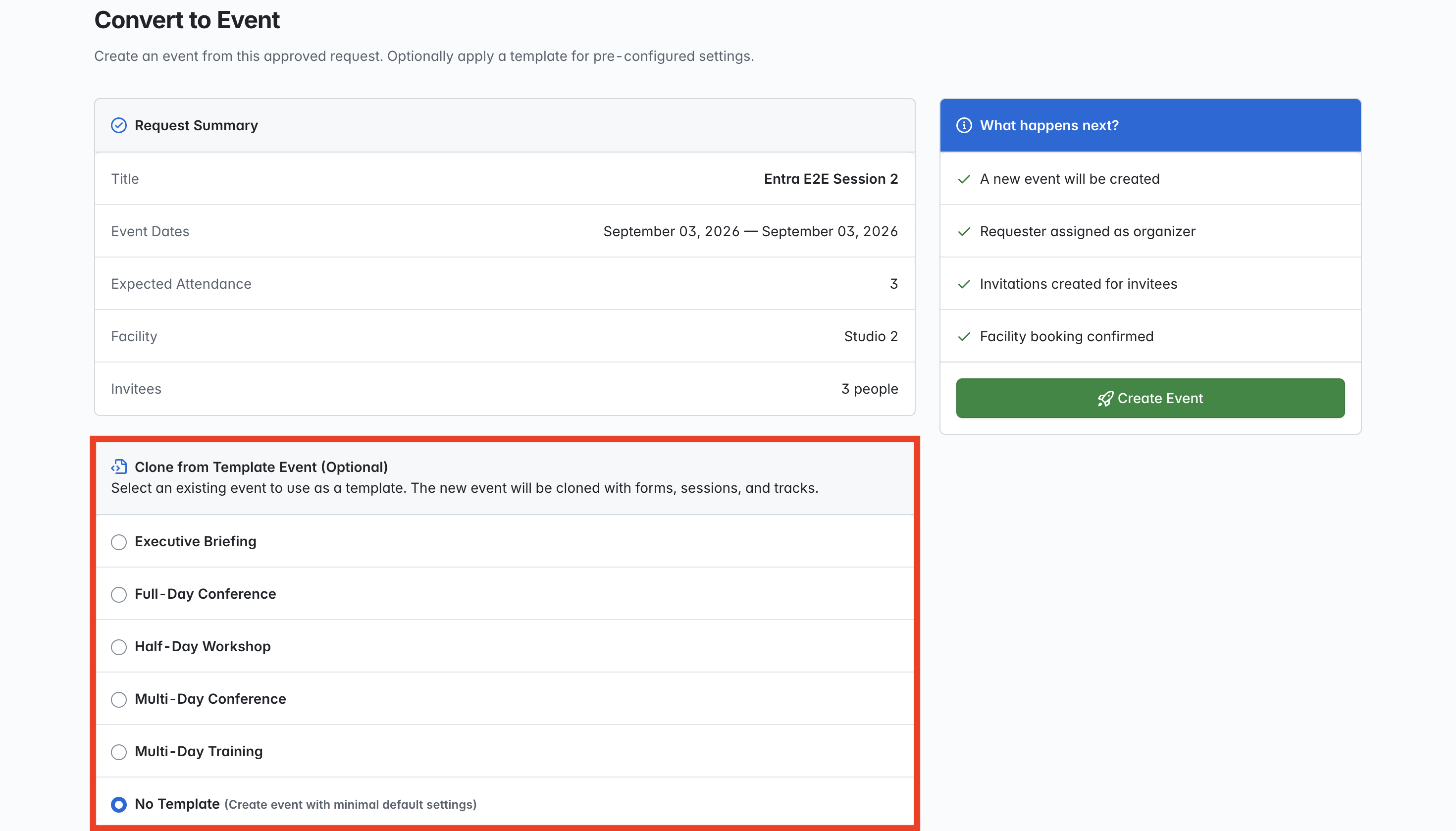
When you are ready to create the event, select the 'Create Event' button and the event will be created. You will be redirected to the event once created, and it will be set to 'Draft'.
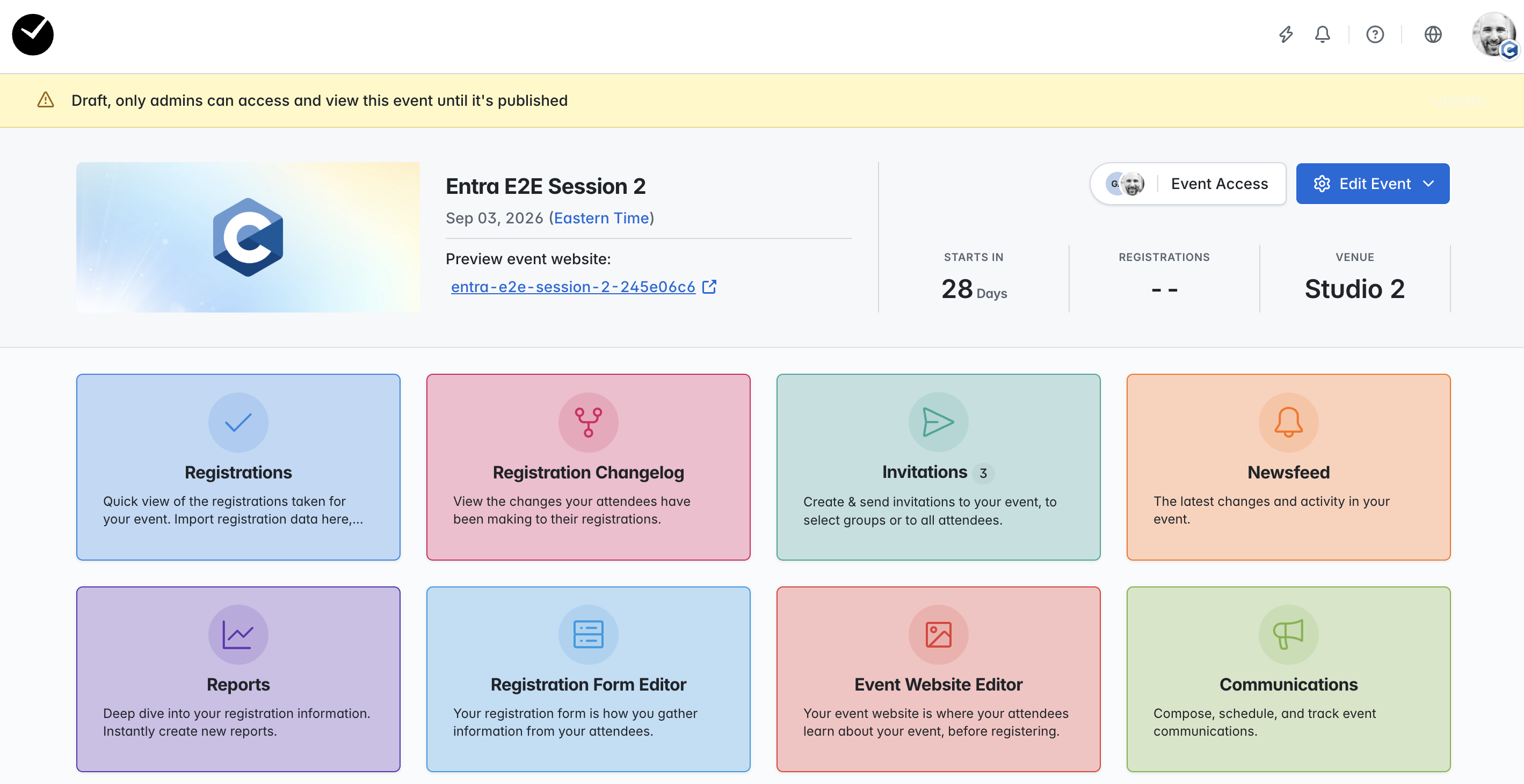
The event requestor will also be able to access as an 'Event Owner' role and can interact with specific features of the admin area.