.png)
Integrations: LinkedIn Campaign Manager
The 'LinkedIn Campaign Manager' integration is available in all events, and can be used to track your event site data with the LinkedIn Insight tag.
To connect your event to your LinkedIn Campaign Manager account, use the following steps:
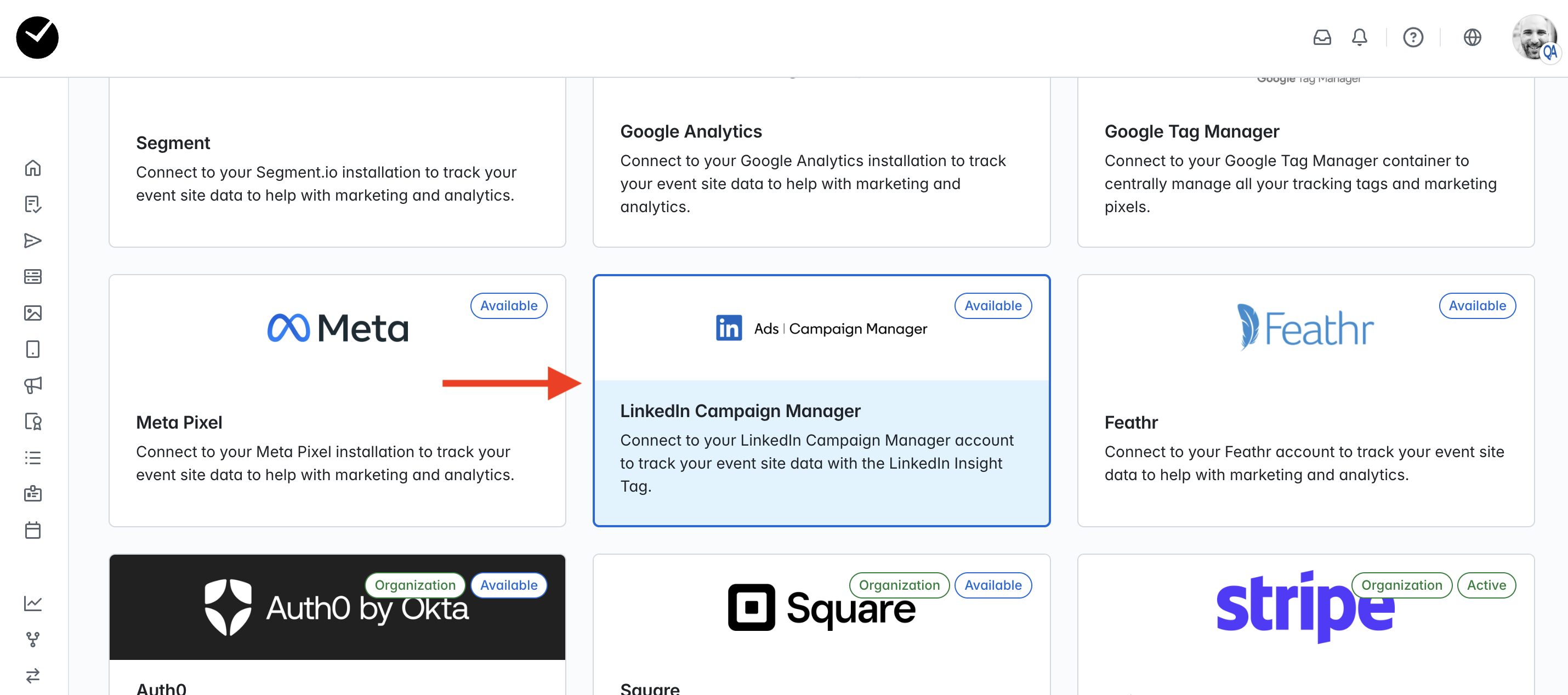
- Enter the 'Integrations' area of your event and click on the 'LinkedIn Campaign Manager' tile:
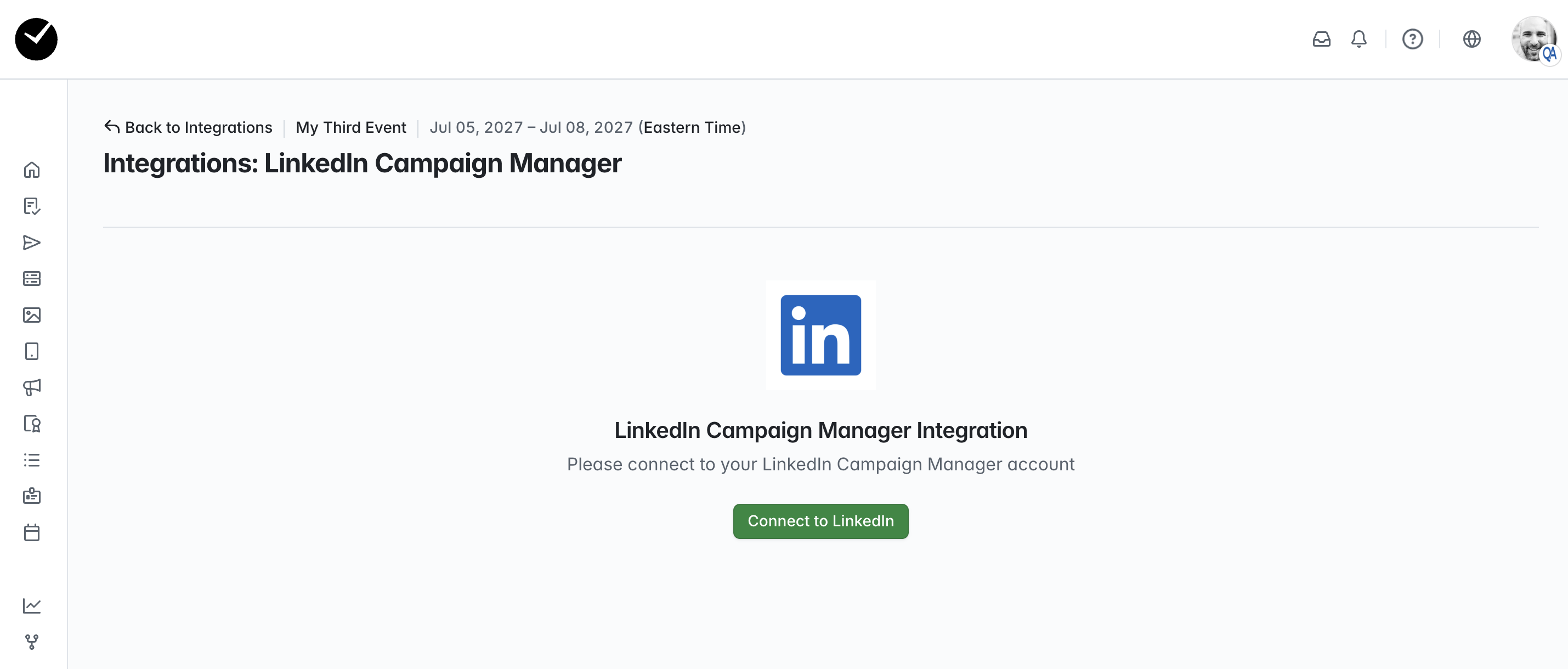
- On the following page, click on the 'Connect to LinkedIn' button:
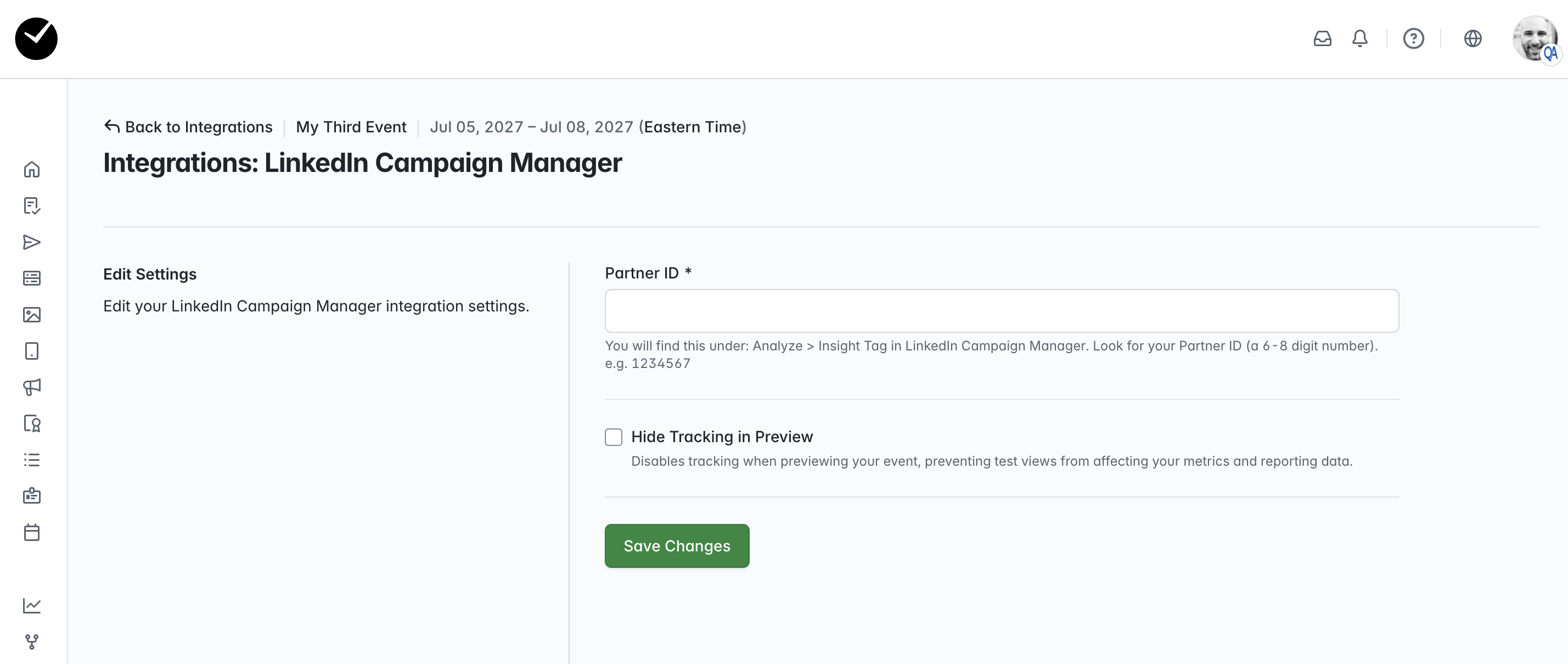
- Next, populate the 'Partner ID' field with the Partner ID associated with your LinkedIn account. You can find this under: Analyze > Insight Tag in your LinkedIn Campaign Manager account. Look for your Partner ID (a 6 - 8 digit number). e.g. 1234567. You can also select to hide tracking when your event is in preview (draft) mode, so that you are only returned with actual event data generated by real registrations. When you are ready to proceed, select the 'Save Changes' button:
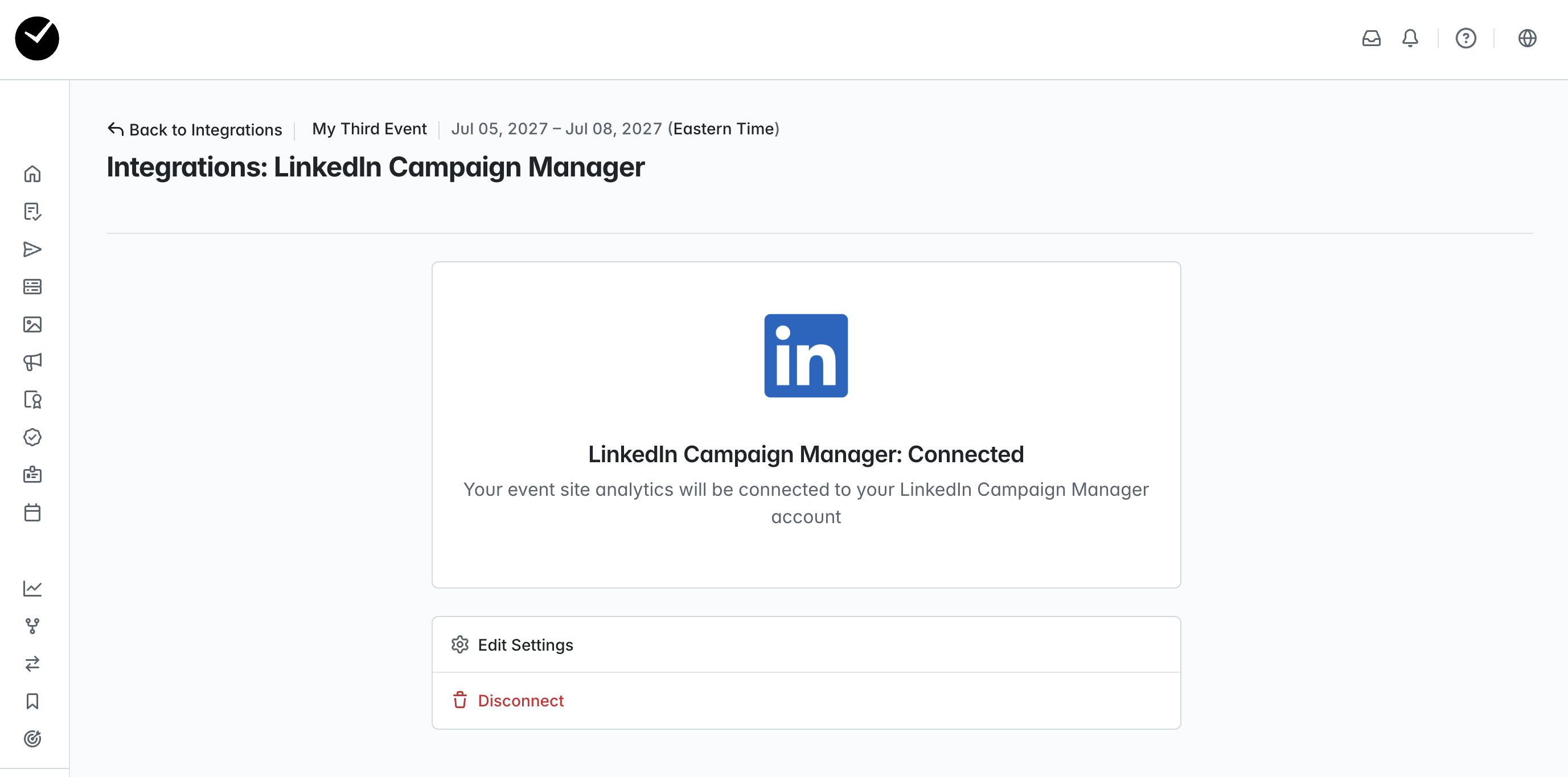
- Once connected, you will see the following page. Your event data will now be sent to your LinkedIn Campaign Manager account as it occurs, and can you can edit your settings or disconnect completely at any time via this page: