.png)
What can I add to an event website?
Overview

Your event website is made up of 2 types of content - Pages and Sections.
Pages allow you to add multiple sections of content to them, and are navigated to by clicking on the page title at the top of each page when viewing the website as an attendee.
Sections can only be added to Pages, and can contain text, images and downloadable files (depending on your preference).
Both can be created using the Event Website Editor by clicking on the Event Website Editor tile on your Event Dashboard followed by the 'Add' button once you arrive in the website editor.

Event Website Options
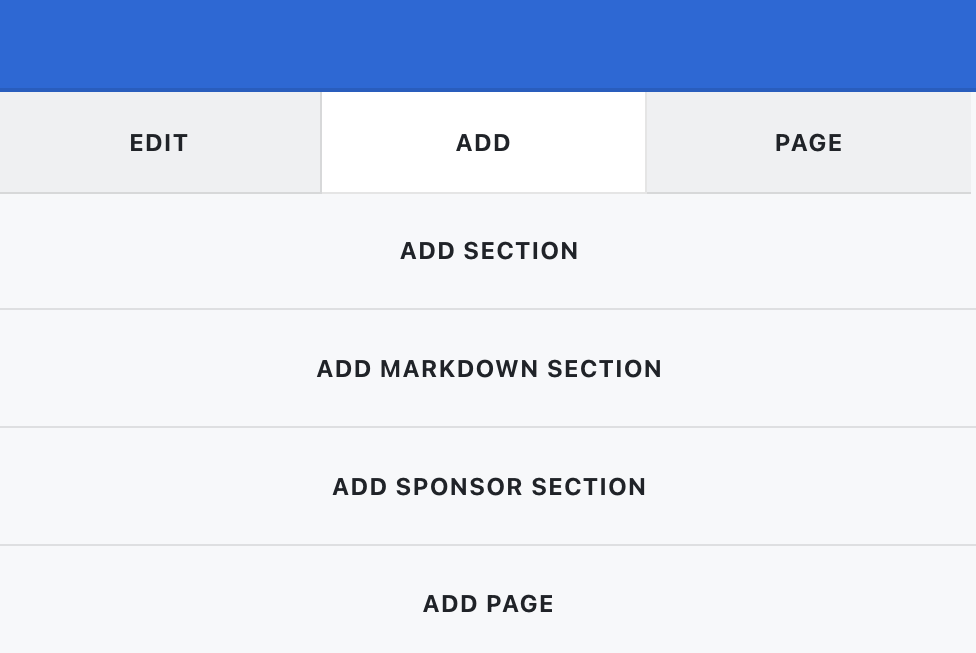
- Add Section - adds a new section to the current page when selected. You can add text using a rich text editor, as well as adding images and downloadable files. For more details, please refer to this article.
- Add Markdown Section - as with 'Add Section', this adds a new section to the current page when selected. You can add text using our Markdown editor, as well as adding images and downloadable files. For more details, please refer to this article.
- Add Sponsor Section - adds a tiered list of your Sponsors to the current page when selected. You must first create a list of your event Sponsors before you can begin adding a Sponsor Section. For more details, please refer to this article.
- Add Page - adds a new page to your event site when selected.