.png)
What is the 'Data Imports' area?
The 'Data Imports' area collects all of our event import features in one area, so that you don't have to go through multiple pages to find a relevant import page.
To access this area, simply click on the 'Data Imports' tile on your Event Dashboard and you will see the following 'Event Data Imports' page:
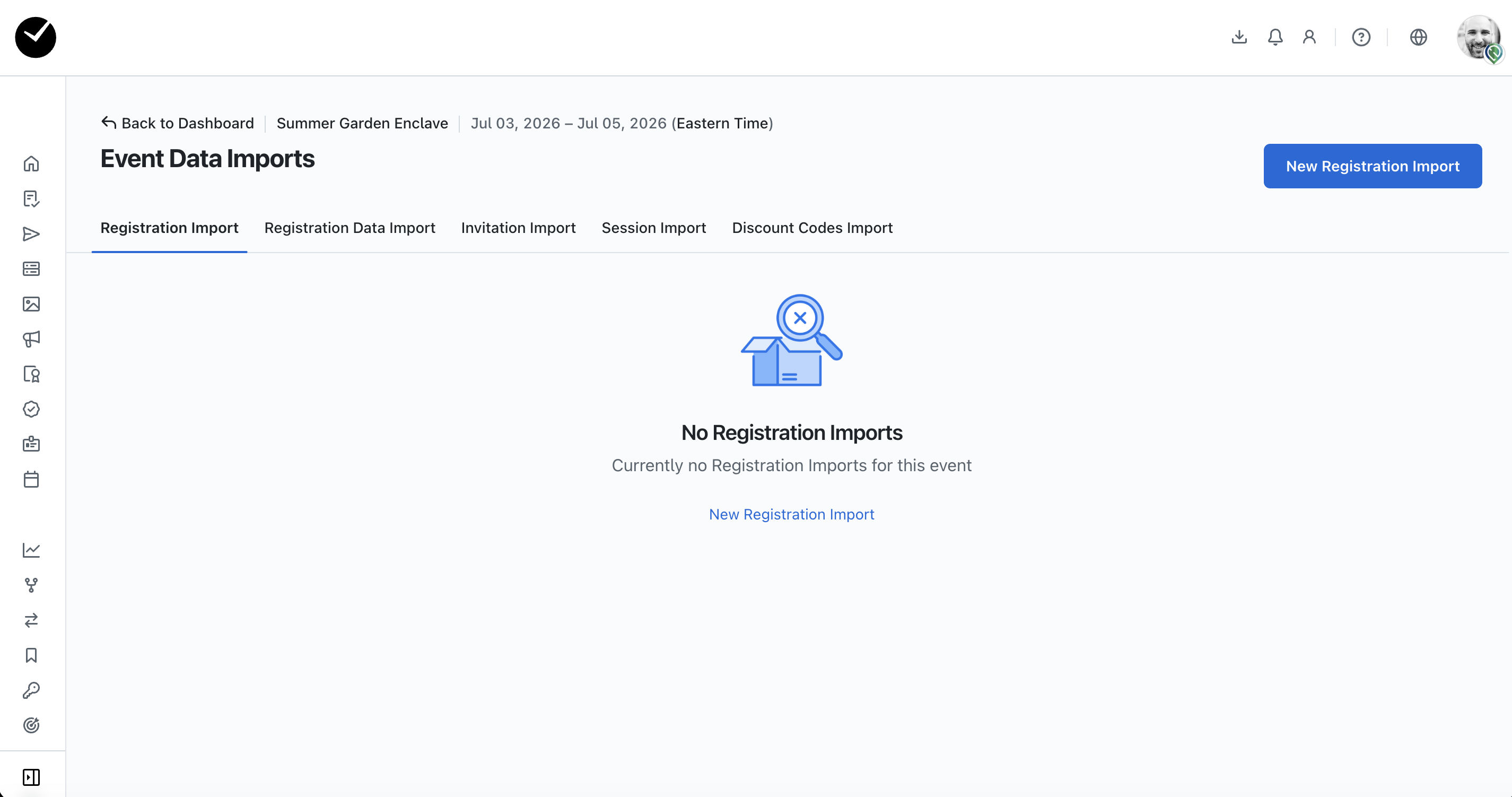
By default, the 'Registration Import' tab will be opened, but you can select others by selecting the relevant tab.
We offer the following import options:
- Registration Import - allows you to bulk import attendee registrations via CSV/XLSX. For more details, please refer to this article.
- Registration Data Import - allows you to bulk import and update existing attendee registrations via CSV/XLSX. For more information, please refer to this article.
- Invitation Import - allows you to bulk import attendee invitations via CSV/XLSX. For more details, please refer to this article.
- Session Import - allows you to bulk import new session bookings and slots via CSV/XLSX, which will then be available to be added to event registration form. Please refer to this article for more information.
- Discount Code Import - allows you to bulk import new discount codes via CSV/XLSX, which will then be available to attendees if marked as 'Active'. For more information, please refer to this article.